Windows and Linux
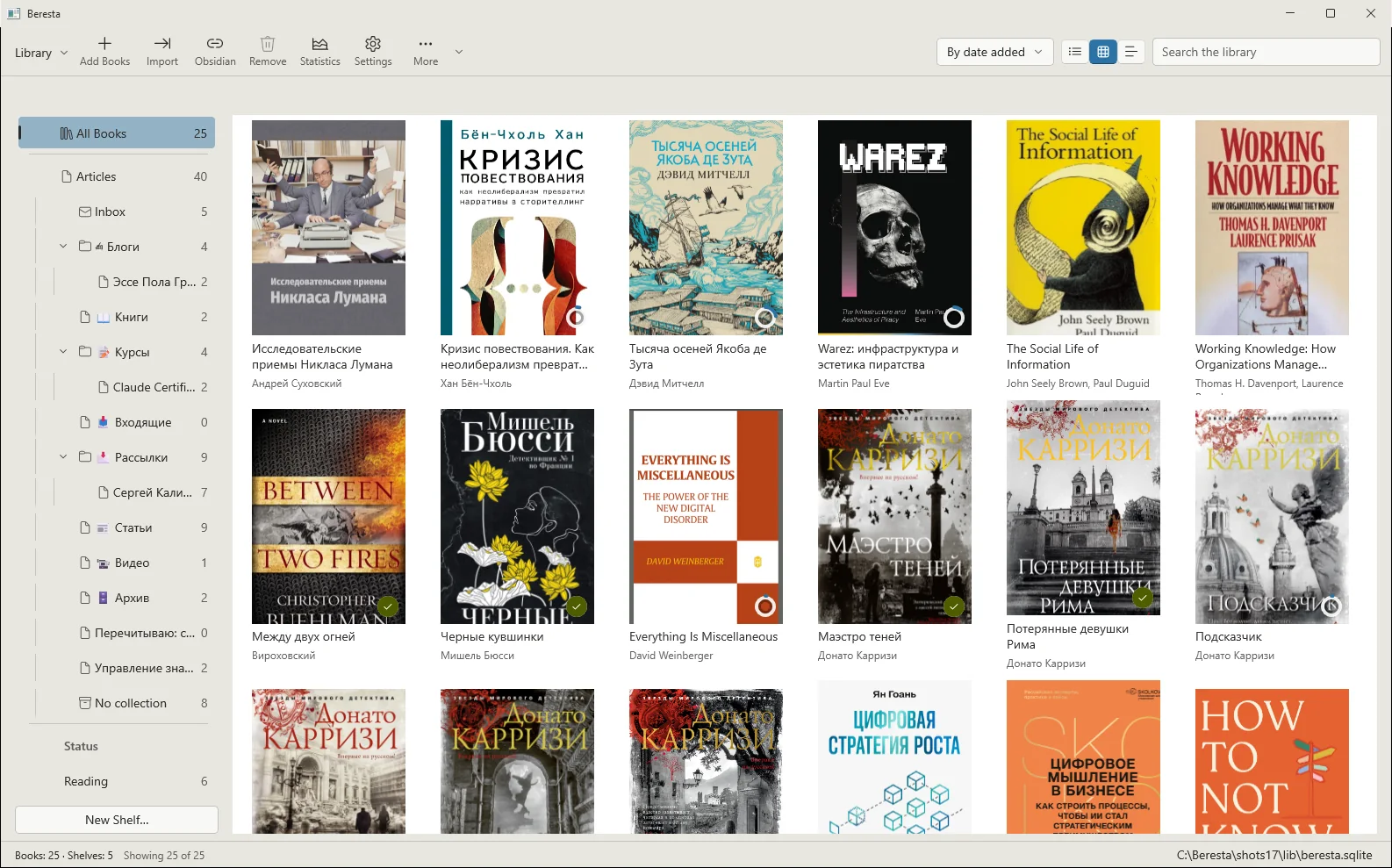
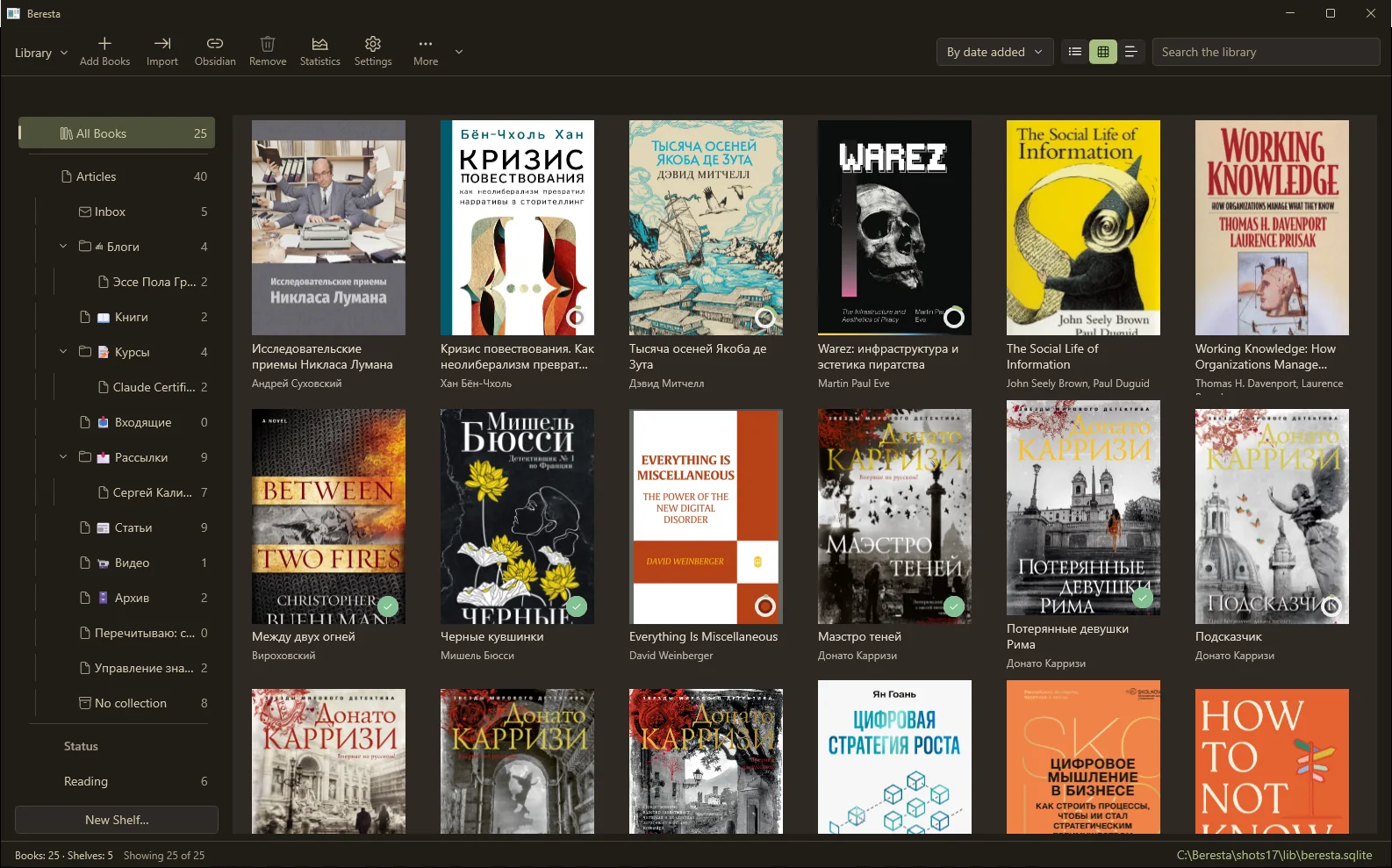
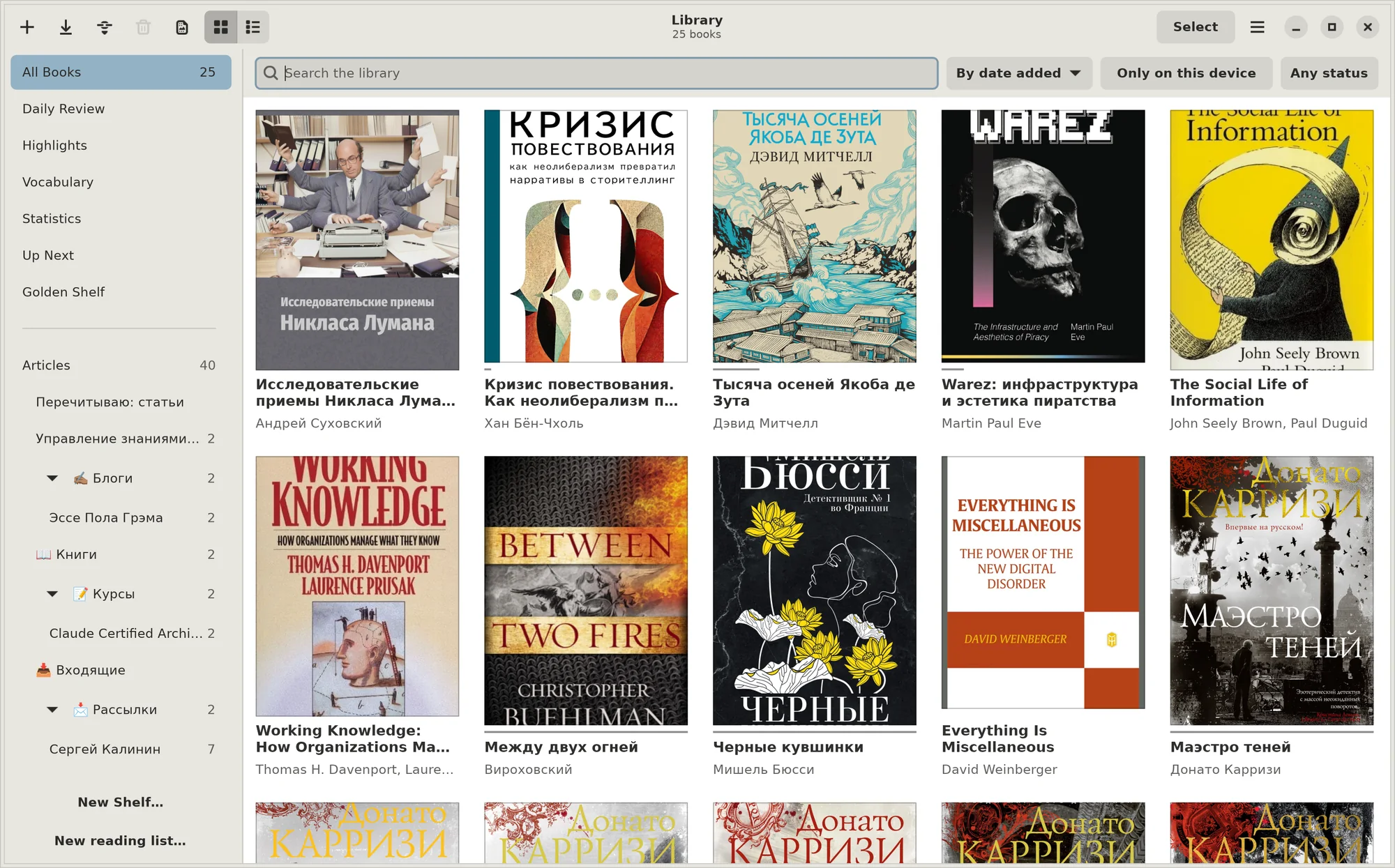
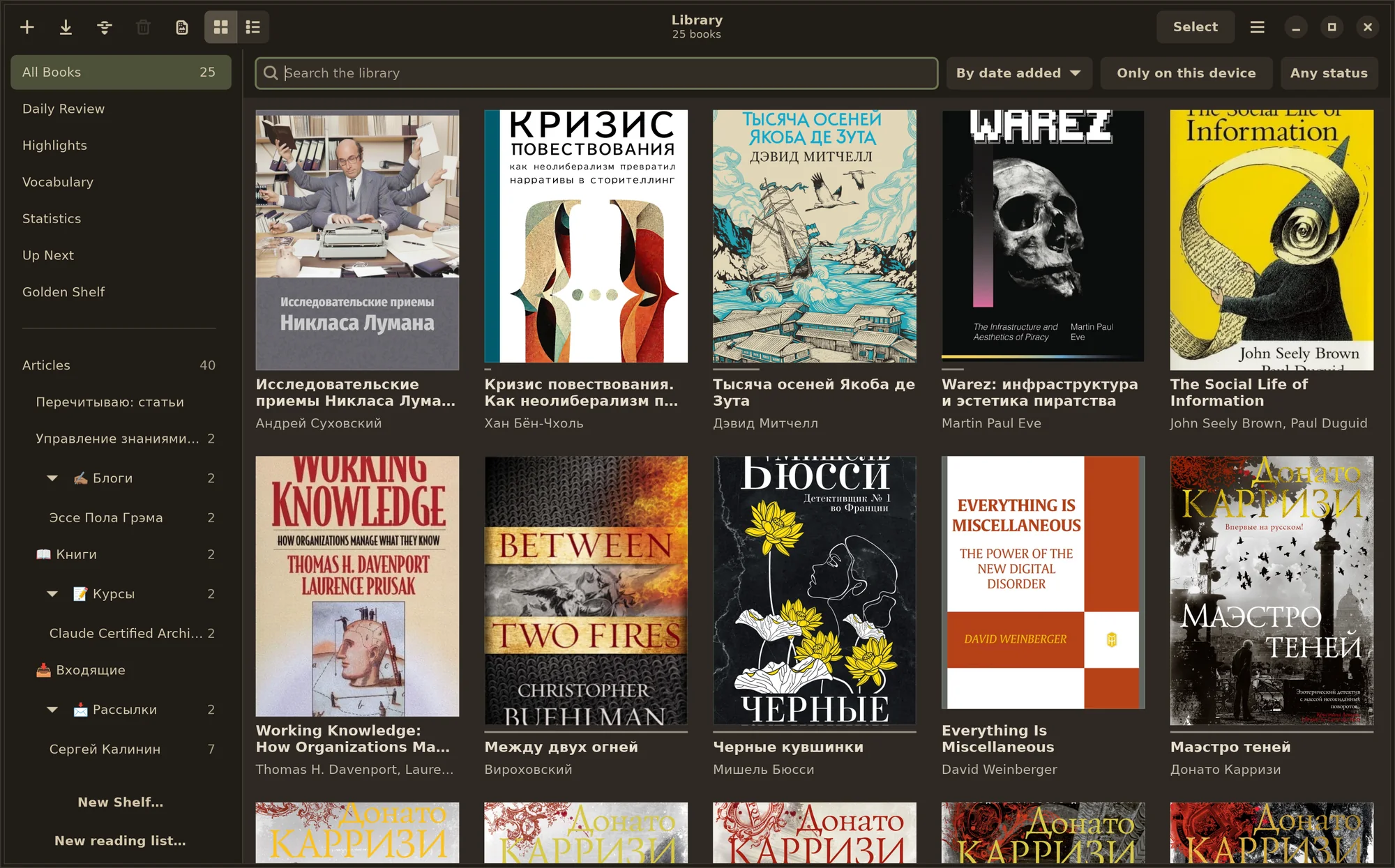
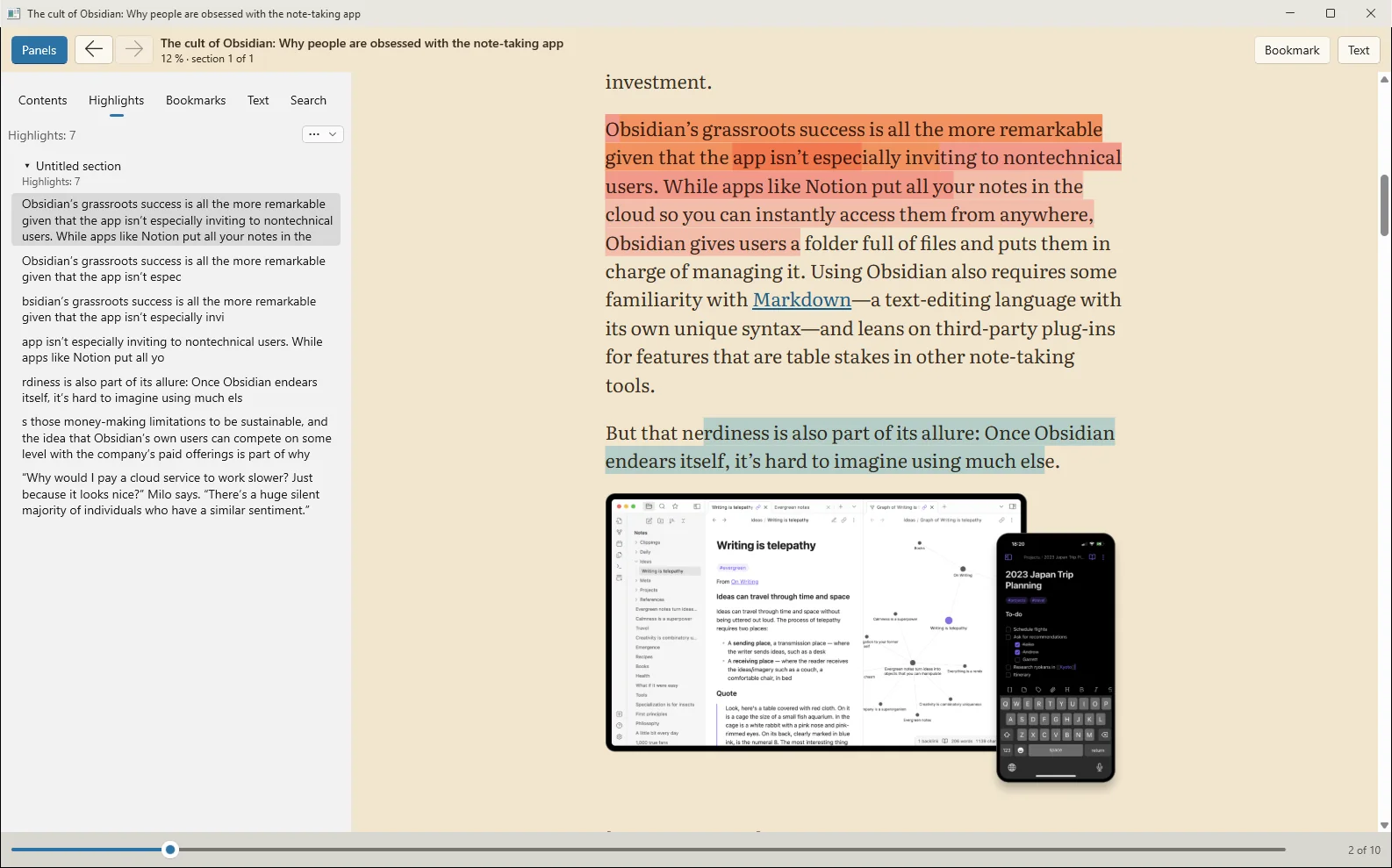
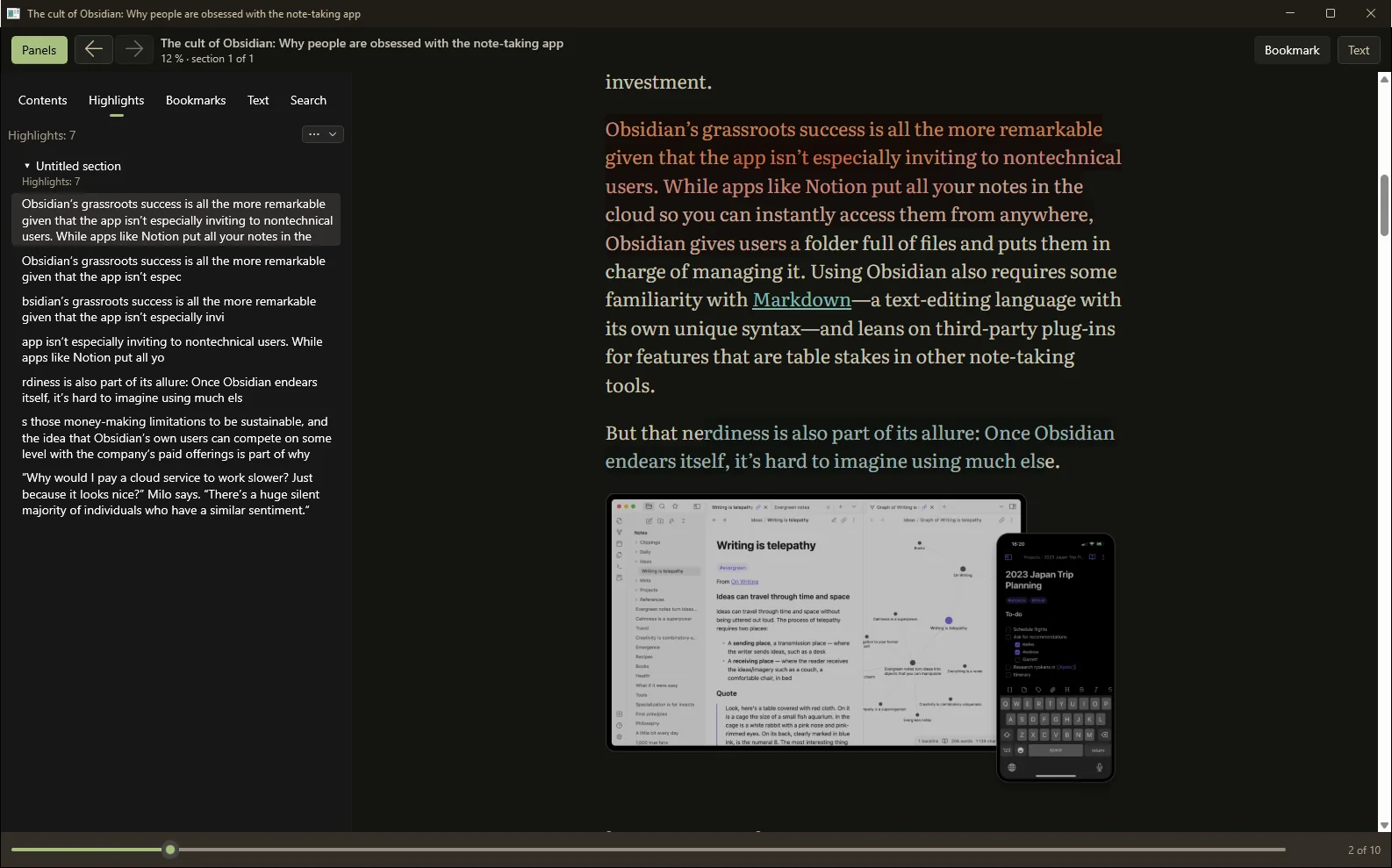
Beresta for Windows and Linux
The same Beresta as on the Mac: your library, the reader and your highlights live on your computer, not on my server. You buy it here, on the site — not in an app store.
$19.99 · 8,574 ₸
One-time purchase: the program is yours for good, with a year of updates included. Cards are charged in Kazakh tenge at the day's rate.
- One key, three computers, Windows and Linux together: a desktop, a laptop and a replacement for the one that breaks.
- 14 days without a key, everything works. After that Beresta still reads, shows and exports everything you have, but takes no new books until you paste a key.
- The key is checked offline. The network is needed once per computer, to register it. After that Beresta never asks me again.
- When the year of updates ends, nothing is taken away. Beresta keeps working as it did; a renewal ($9.99) buys another year of new versions.
Download
Windows — installer Linux — Flatpak Linux — AppImage
How to install the Linux packages, and how the Flatpak differs from the AppImage — on the Beresta for Linux, beta page.
Honest limits
- The Linux version is a beta: it is not yet on a par with the Mac, and there will be rough edges. Tell me about them on the forum.
- The App Store sells the Mac, iPhone and iPad versions: a Windows and Linux key doesn't open them.
- Beresta isn't in the Microsoft Store or on Flathub yet — only here.
- The Windows installer isn't signed yet: on first launch Windows will ask whether to trust it.
- After a refund the key no longer opens new computers. Where it is already installed, Beresta keeps working, and your books and highlights stay where they are.
- To register a computer, my server gets the key, an anonymous fingerprint of the computer and the computer's name — so you can tell your machines apart in the list. It never sees your books or your highlights.